Microsoft offers free Office 2010 upgrade if you buy Office 2007 starting March 5th, 2010. March 5, 2010
Posted by very in : Announcement, Applications, Apps, Media, Microsoft, News, Resources, Tech, Troubleshooting, Vista, Windows , add a commentMicrosoft is offering free Office 2010 upgrade for every Office 2007 purchased between March 5th and September 30, 2010.
- Microsoft Office 2010 Technology Guarantee
- Amazon – Buy Office 2007 Today, Download Office 2010 When Available
From Amazon:
Promotion Details
- Buy a qualifying Office 2007 product (with or without a new PC) between March 5 and September 30, 2010.
- Install and activate your qualifying Office 2007 product by September 30, 2010. This qualifies you to upgrade to the corresponding Office 2010 product.
- Once the corresponding Office 2010 is available, simply go to www.office.com/techg by October 31, 2010 to download it at no additional cost, or purchase a DVD for a fee. Follow the online steps to verify eligibility. You will need an activated Office 2007 Product Key.
- Download the product and receive an Office 2010 Product Key online. There is an option to purchase a DVD for a fee.
* Office 2010 downloads will be accessible at general availability. Discs can be ordered for a fee. Eligible Office 2007 software must be purchased from Microsoft or an authorized reseller and activated between March 5, 2010 and September 30, 2010. Request your Office 2010 product by October 31, 2010 using your activated Office 2007 Product Key and dated sales receipt. One (1) Office 2010 product per qualifying Office 2007 purchase, limit 25 per person. For complete details, visit www.office.com/techg.
Below are some of the Office 2007 products that qualify for the Technology Guarantee.
- Office Home and Student 2007
- Office Small Business 2007
- Office Professional 2007
- Office Publisher 2007
Remember, according to Microsoft Licensing you must not use Office 2007 once you upgraded to Office 2010. I guess they can enforce that by deactivating your Office 2007 installation.
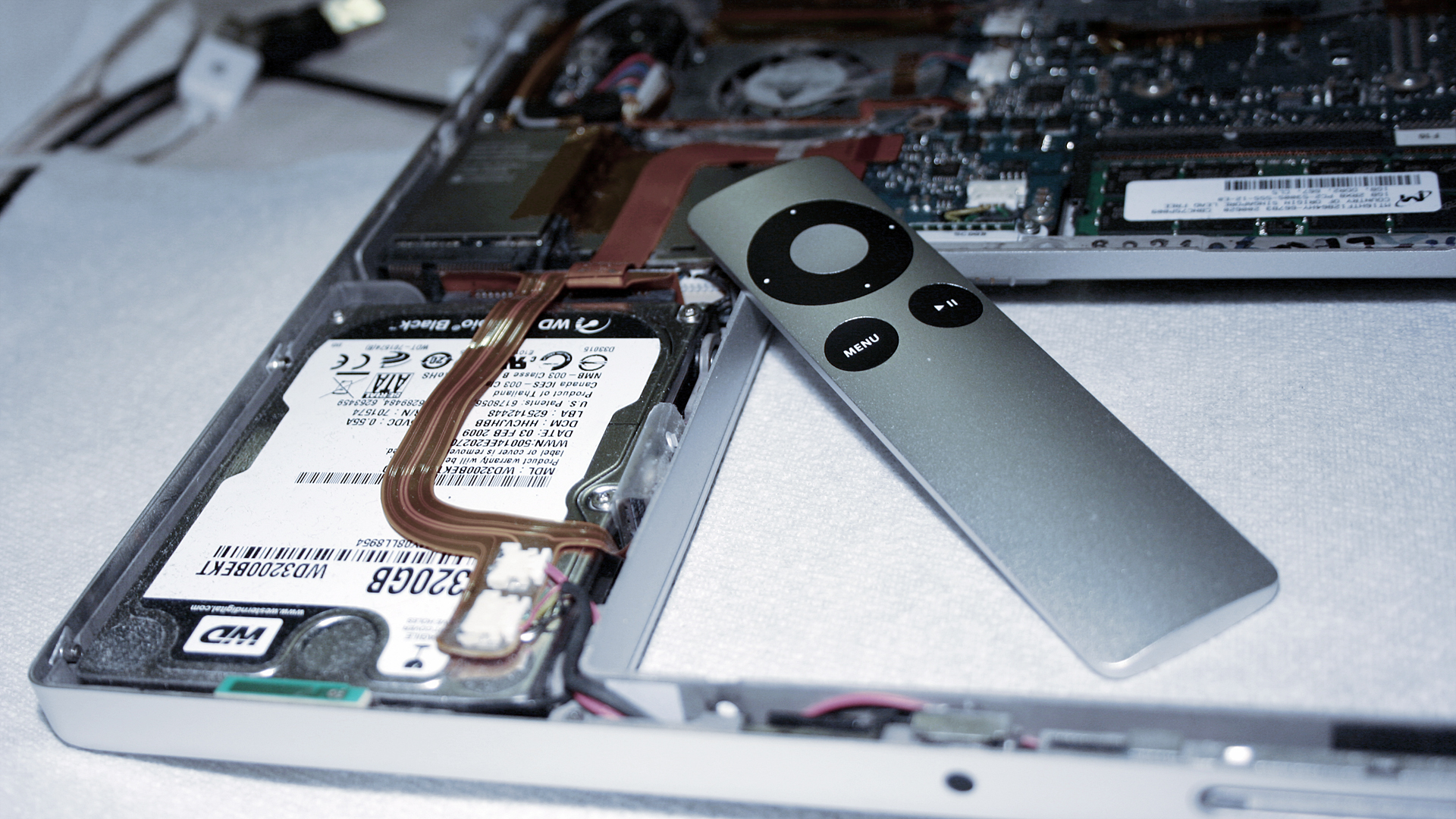
The Adventure of Apple Remote – Part 5 December 3, 2009
Posted by 37prime in : Announcement, Apple, Entertainment, Mac OS X, MacBook, Media, News, Pictures, Resources, Snow Leopard, Tech , add a commentFollow the adventure of Apple Remote.
In the proces of upgrading hard drive for a 15-inch MacBook Pro Core Duo.
Mac OS X Snow Leopard: Upgrading from Leopard June 15, 2009
Posted by very in : Announcement, Apple, Applications, Apps, Leopard, Mac OS X, MacBook, Media, News, Resources, Reviews, Snow Leopard, Tech, Troubleshooting , add a commentGenerally I avoid OS upgrade but this time I am giving it a try in a production machine.
Upgrading from Mac OS X Leopard to Mac OS X Snow Leopard Developer Preview on my MacBook Pro.
My colleague tested the upgrade on a MacBook Core Duo and it went smoothly.
I’ll see if the upgrade went smoothly on my MacBook Pro Core Duo.
P.S. I ordered another 320GB 7200RPM SATA hard drive for the MacBook Pro. It is still much cheaper than the 500GB 7200RPM notebook hard drive.
WordPress 2.8 is Released. June 11, 2009
Posted by very in : Announcement, Applications, Apps, Media, News, Resources, Security, Tech, Troubleshooting , add a commentThis short post is brought to you by WordPress.org.
WordPress 2.8 is released and available through automatic upgrade (this is a built-in feature starting in WordPress 2.7).
Don’t forget to backup your database first before upgrading.
——-
37prime.news is now running WordPress 2.8 (well, until the next version is released).
iPhone OS 3.0 Beta 3 Expires on May 9th, 2009. May 10, 2009
Posted by very in : Announcement, Apple, Applications, Apps, iPhone, iPod, iTunes, Leopard, Mac OS X, Media, News, Resources, Tech, Troubleshooting , add a commentUPDATE:
iPhone OS 3.0 Beta 5 is expiring around June 19th, 2009. Get iPhone OS 3.0 Official Release through iTunes.
As we have reported before, iPhone OS 3.0 Beta carries an expiration date. For those who has iPhone OS 3.0 Beta 3 still on their phone might have some purple shock today. As the software hits the expiration date, the iPhone displays purple screen with instructions to connect to iTunes. When connected, iTunes warned that the software has expired and must be updated to the newer version. In this state, the iPhone is rendered useless except for emergency calls. The most current version is iPhone OS 3.0 Beta 5 as of May 9th, 2009. Based on the expiration date of previous builds, iPhone OS 3.0 Beta 5 will expire on June 1st, 2009.